
Download Typing Ninja – Typing Game, Fast Typing, Improve Typing, Keyboard Practice
Overview
Typing Ninja is a dynamic mobile application designed to transform the often monotonous task of typing practice into an engaging and entertaining experience. By blending gamified mechanics with real-world keyboard training, the app offers a unique solution for users seeking to improve their typing speed and accuracy in a fun, interactive way. The core purpose of Typing Ninja is to make learning to type feel less like a chore and more like a thrilling adventure, particularly appealing to students, remote workers, and digital learners who rely heavily on keyboard input.
The app targets individuals at all skill levels, from beginners just learning keyboard layout to advanced typists aiming to refine their speed. Real-world use cases include preparing for job interviews that require fast typing, improving productivity during remote work, and helping school-aged users develop foundational digital literacy. While the developer, Typing Ninja Inc., is listed, no further details about the company’s background or history are available. Despite this, the app’s presence in the productivity category suggests a focus on practical skill development.
Within the mobile app ecosystem, Typing Ninja fills a niche by combining entertainment with measurable skill acquisition. Its use of gameplay elements such as boss battles and level creation fosters sustained engagement, making consistent practice more likely. This approach aligns with modern learning trends that emphasize motivation through reward systems and user-generated content.
Key Features & Functionality
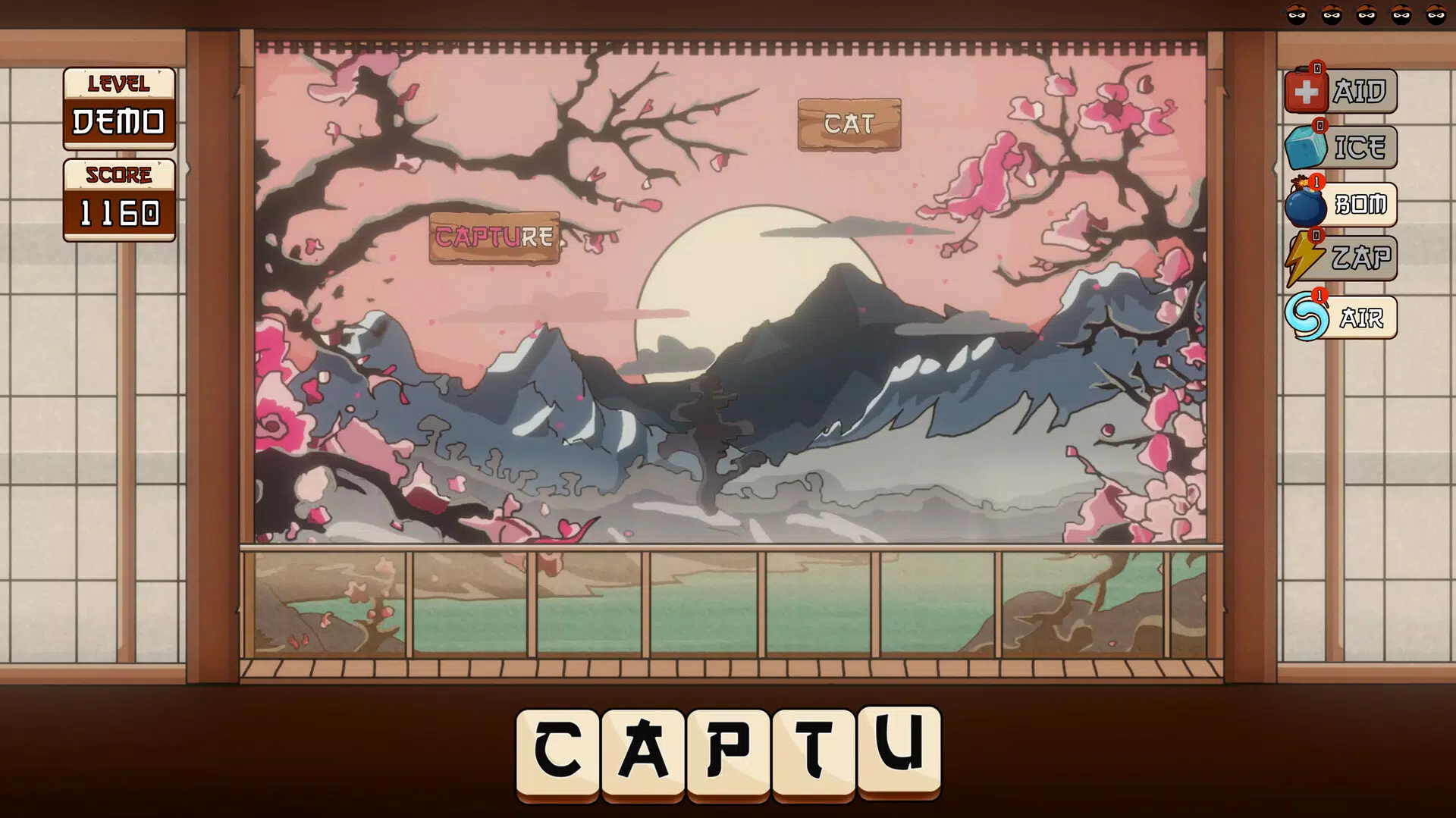
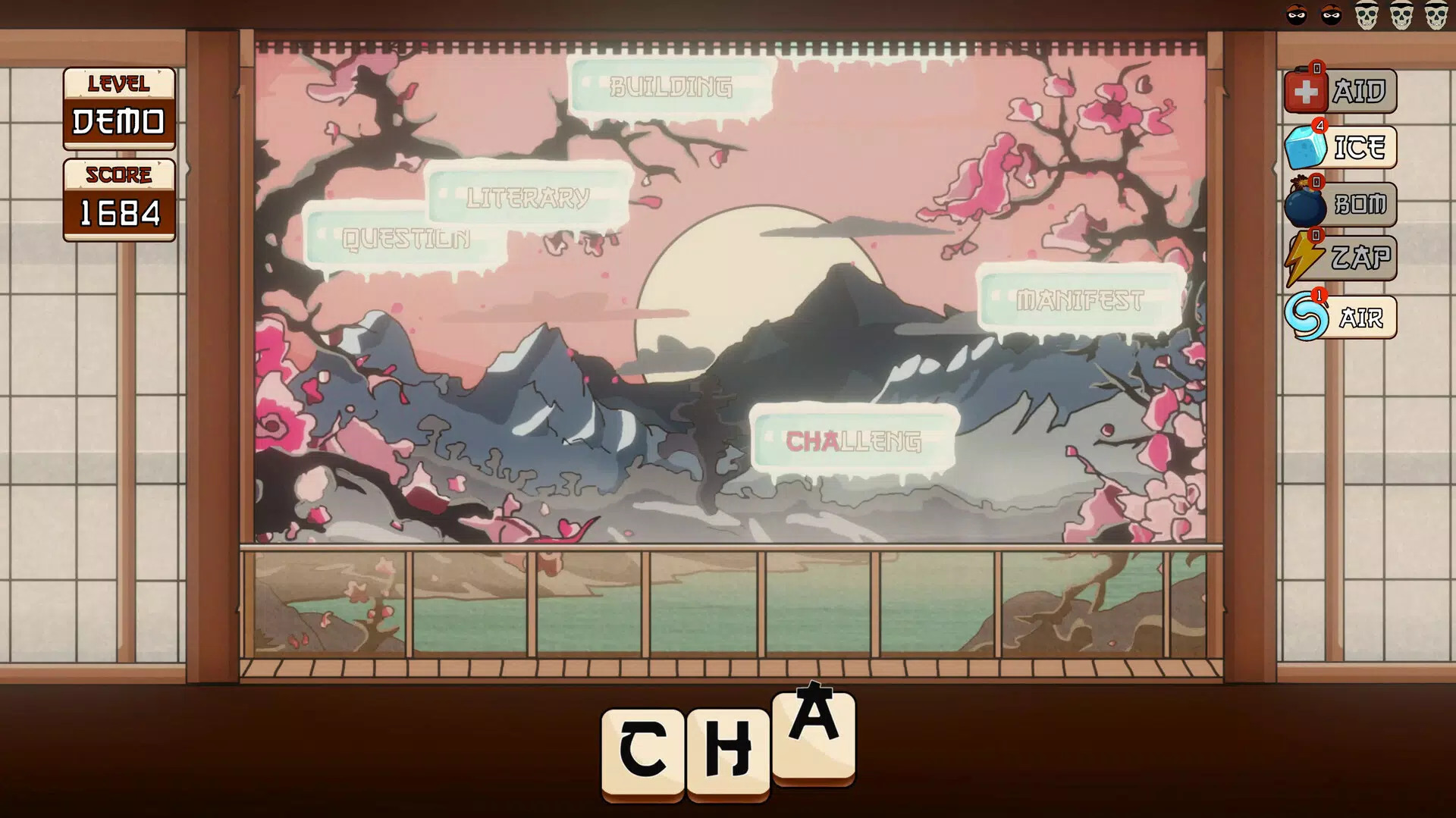
- Type the Falling Words: The core gameplay mechanic involves typing rapidly to prevent words from reaching the bottom of the screen. This real-time challenge improves both speed and accuracy under pressure, simulating fast-paced digital environments like live chat or coding sessions.
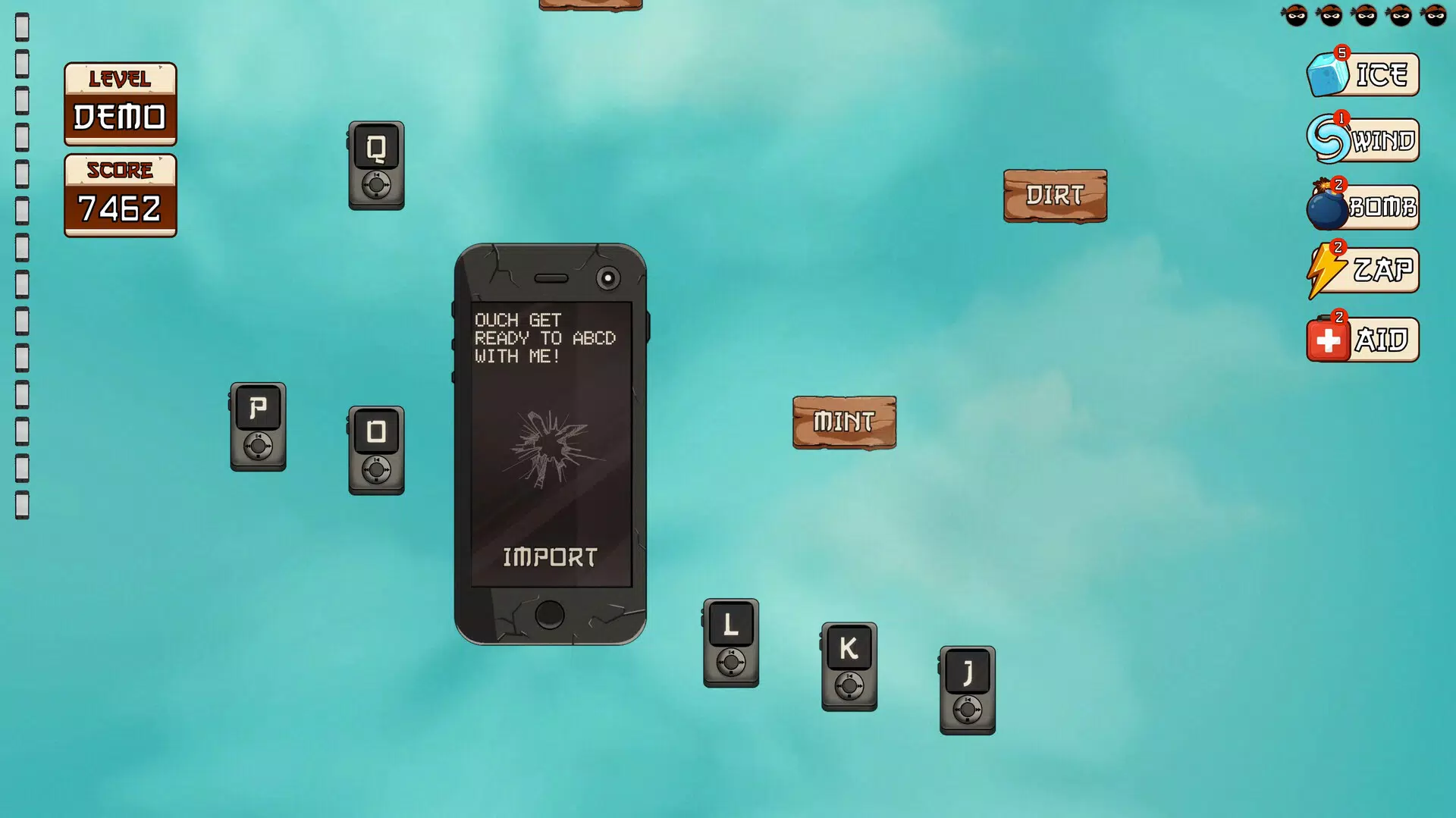
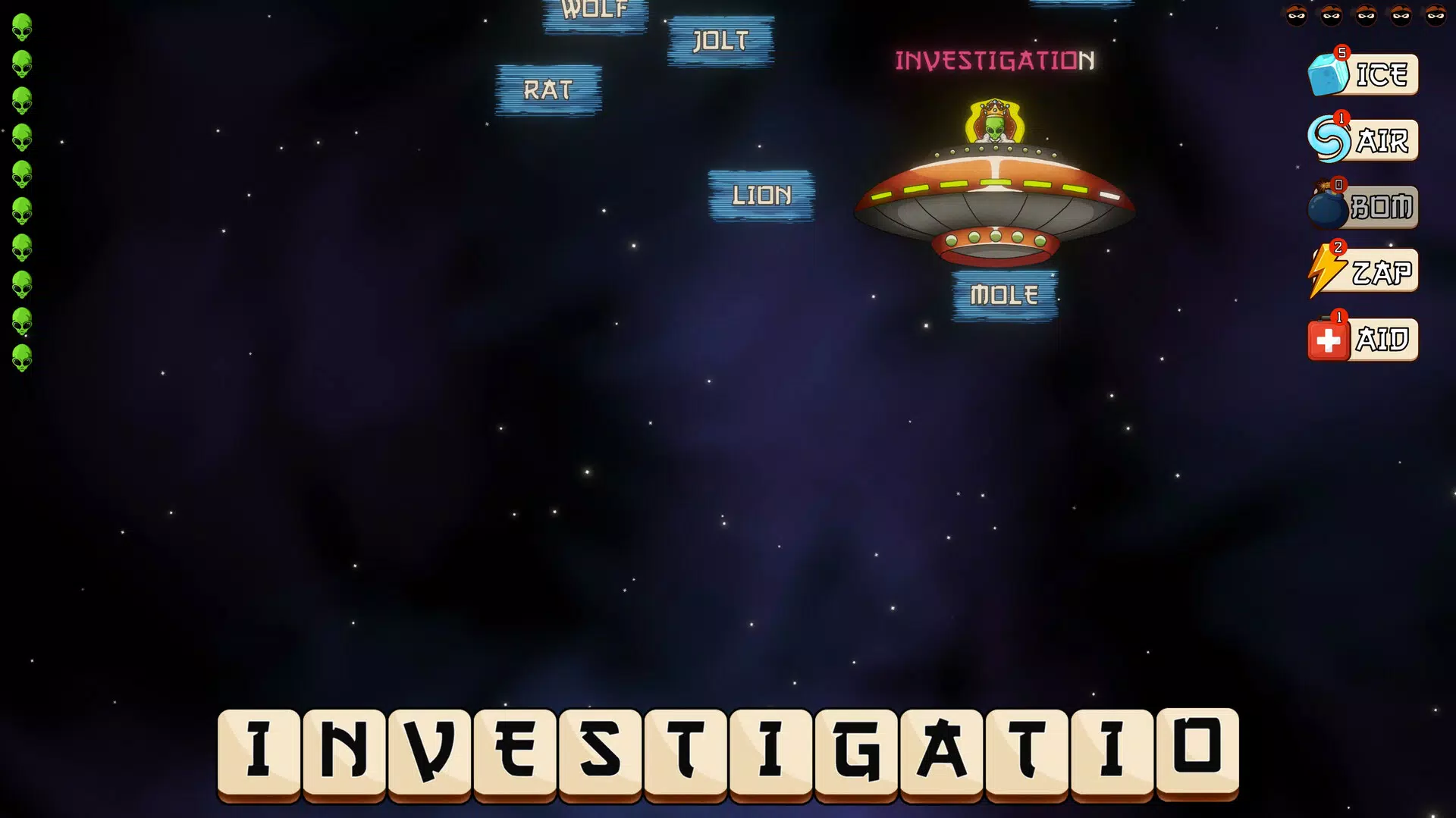
- Epic Boss Fights: Players face off against unique bosses that introduce varied typing challenges—such as timed bursts, complex word patterns, or restricted key usage. These encounters require adaptive strategies, making each battle a distinct learning opportunity.
- Customizable Keycaps: Users can unlock and collect decorative keycaps, which are tied to in-game achievements. These visual upgrades allow personalization of the typing interface, adding a sense of ownership and reward to progress.
- Create Your Own Levels: The app enables users to design custom typing challenges using specific words or phrases. This feature supports targeted practice—for example, learning technical jargon or preparing for a language exam—while also encouraging community sharing of user-made content.
- Endless Typing Challenges: With a variety of levels and evolving difficulty, the app ensures long-term engagement. The structured progression from basic to advanced challenges makes it suitable for continuous skill development without repetition fatigue.
Each feature is designed to reinforce typing proficiency through gameplay. For instance, creating custom levels allows users to tailor practice to their specific needs, whether mastering job-specific terminology or improving spelling accuracy. The integration of narrative-driven boss battles adds emotional investment, turning routine drills into memorable experiences.
Interface, UX & Performance
Typing Ninja features a vibrant, animated interface with a modern visual style that emphasizes clarity and responsiveness. The layout places the typing zone at the center, with keycaps and progress indicators positioned for optimal visibility. Navigation is intuitive, relying on simple gestures and button-based controls, which minimizes the learning curve for new users.
Users can easily access game modes, level creation tools, and personalization options through a bottom navigation bar. The app’s flow is linear yet flexible—players can jump between challenges, create levels, or return to previous sessions without disruption. Although the developer did not list formal performance metrics, the app’s smooth animations and consistent frame rate suggest strong optimization for mid-to-high-end Android devices.
Responsiveness is strong across tested scenarios, with minimal lag during fast-paced typing sequences. Stability appears reliable, with no reported crashes during typical gameplay. However, compatibility with older Android versions was not fully disclosed, so users on legacy devices may experience variable performance.
Platform Compatibility & Technical Requirements
Typing Ninja is available exclusively on the Android platform. The current version is 1.2.3, with a file size of 128MB, making it a lightweight download suitable for most modern smartphones. The app is free to download and install, with no in-app purchases or advertisements mentioned in the provided information.
While the developer did not specify minimum OS requirements or device compatibility details, the app’s size and structure suggest it is optimized for Android 6.0 and above. Users are advised to ensure their device meets standard Android performance benchmarks for smooth operation. No additional permissions or hardware requirements were listed.
Pros and Cons
- Engaging gameplay that turns typing practice into an enjoyable experience
- Supports all skill levels with adaptive difficulty and progression
- Allows creation and sharing of custom typing levels for personalized practice
- Offers visual customization through collectible keycaps
- Free to download and use with no visible ads or in-app purchases
- Platform availability limited to Android only
- Developer did not provide detailed system requirements or compatibility information
- Advanced features may require a learning curve for absolute beginners
- No cross-platform sync or cloud save functionality mentioned
- Performance on low-end devices was not tested or disclosed
FAQ
Is Typing Ninja safe to download and install?
Yes, the app is available through official Android channels and is free from known malware. It does not require excessive permissions, and no suspicious behavior has been reported.
Can I play Typing Ninja without an internet connection?
Basic gameplay and level creation can be performed offline. However, features like sharing user-created levels or accessing community content may require internet access.
Are there any in-app purchases or ads?
As of the latest version, the app is completely free with no visible advertisements or in-app purchases. The developer has not indicated plans to introduce monetization.
Does Typing Ninja support multiple languages?
The app’s core functionality is based on English word input. Specific language support beyond English was not listed in the provided details.
How often is Typing Ninja updated?
The app was released on January 8, 2025, and the current version is 1.2.3. While update frequency is not specified, the developer has shown active development through version increments.
Final Thoughts
Typing Ninja stands out in the productivity app space by merging education with entertainment in a way that feels natural and rewarding. Its innovative use of game mechanics—boss battles, level creation, and visual customization—transforms typing practice into a dynamic journey rather than a repetitive task. The app is ideal for students, professionals, and casual learners who want to improve their keyboard skills without burnout.
While platform availability is limited to Android and detailed technical requirements are not provided, the app’s lightweight design and free access make it accessible to a broad audience. Its emphasis on personalization and user-generated content also fosters a sense of community and long-term engagement.
For anyone looking to boost typing speed and accuracy in a fun, interactive way, Typing Ninja delivers real value. Download Typing Ninja now.


